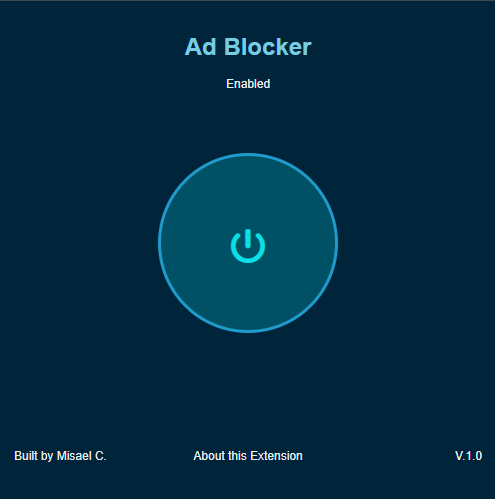

Sci-Fi Ad blocker
This Chrome extension blocks intrusive ads and trackers so your browsing feels faster and cleaner. It works by hiding known ad elements and stopping common tracking scripts.
Install Instructions
- Download or unzip the extension folder to your computer.
- Open Chrome and go to chrome://extensions.
- Enable Developer mode in the top-right corner.
- Click Load unpacked and select the Adblocker folder.
- The extension will appear in Chrome and should be ready to use.